
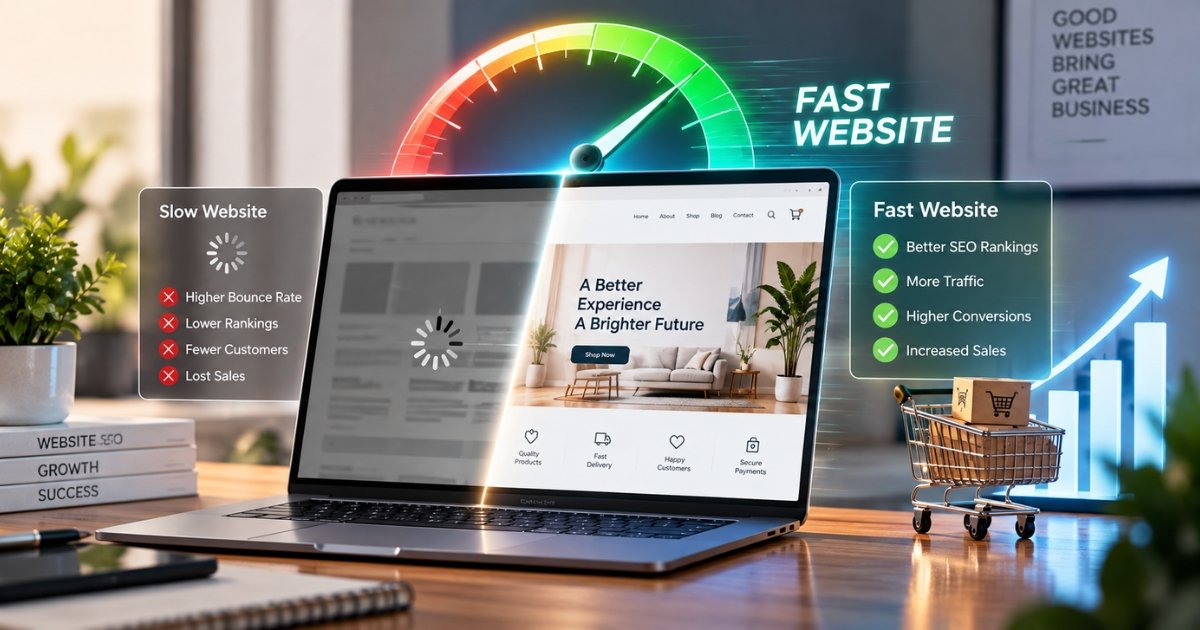
Website speed is a key metric that influences both Google’s perception of a page and a site’s ability to sell products. Three seconds is the average time a person is willing to wait for a webpage to load, according to Google research, which found that 53% of mobile users abandon slower pages.
Website speed can be a key part of business performance, and its importance is often underestimated. Below are the ways in which page speed can affect search engine rankings and sales, and the steps that can be taken to improve it.
The SEO Component
How Speed Affects SEO Rankings
Google weighs several factors when ranking a page, including content quality and page experience. Page experience is defined as how satisfied a person feels using a page after clicking through from search. Page speed and how likely a user is to bounce away from a slow page are part of that judgment. The faster the website, the better its chances of ranking well.
Core Web Vitals Defined
Core Web Vitals are three performance indicators that reflect page experience quality. Each is graded as good, needs improvement, or poor, based on the 75th percentile of real visits — meaning at least 75% of visits need a good score for the page to pass.
Crawl Budget and Bounce Rate
The speed of the website also affects the size of the crawl budget, i.e., the number of pages crawled by Google per visit. Thus, slower sites may have fewer pages indexed on subsequent visits. Moreover, the speed of the website also influences the bounce rate, i.e., the percentage of visitors who leave after only one page. A high bounce rate is perceived by Google as a negative ranking factor.
Mobile vs. Desktop Users
Both mobile and desktop users care about the speed of the website, but for mobile users, the issue is more acute since Google primarily uses the mobile version for indexing. Besides, mobile users are unlikely to have high-speed internet as opposed to a stable connection at work or home. Thus, a slow page cannot only frustrate the user but also lead to a poorer position in search results.
Quick Wins to Improve Website Speed
- Optimize images. Compress and resize large images since they often slow down the website loading time.
- Use a content delivery network. A CDN uses multiple servers to deliver website content to visitors.
- Trim unnecessary scripts. Extra plugins, trackers, and animations all add load time.
- Enable lazy loading. Delay loading the media files and images that appear below the fold until a user decides to scroll down.
- Upgrade your hosting. Shared hosting is a common bottleneck and isn’t built for serious business traffic.
There’s no single fix for slow speed, but these steps make a real difference together.
Test and Optimize Your Website Speed
Speed should be a factor from the moment a website is built, not an afterthought. Slower pages rank lower and struggle to hold visitor attention. Faster pages get found more easily and convert more of the visitors who find them. Start with Google PageSpeed Insights to see where your site stands.
At XPO Outdoors, speed is one of the first things we factor into every website solution we build. Whether it’s a custom website development service or an ecommerce website design service, we consider speed from day one. We also specialize in b2b website design and development, built to engage business clients, and our speed optimization work extends to Shopify website development as well.
FAQ’s
- Does website speed impact SEO?
Website speed is a factor in SEO, as Google’s algorithm takes into account the speed of the page and indexes faster pages higher in search results than slow ones.
- What is a good LCP score for SEO?
The LCP score indicates the performance of a website; the ideal LCP score for SEO is 2.5 seconds or lower.
- How does website speed impact sales?
A slow website turns away potential customers and loses sales: each second added to the website loading time decreases conversion by approximately 7%.
- What are the Core Web Vitals?
Core Web Vitals are a set of three measurements of website performance: LCP, INP, and CLS.
- How can I test the speed of my website?
Use Google PageSpeed Insights. It shows your Core Web Vitals scores and points out exactly what’s slowing your site down.